

Student History
Student history is often very important when making placement decisions and for teachers to get to know their students.
To turn on the history icon on the Create Classes page, check the 'History' box from the tools menu.
When History is on an 'H' is displayed next to each student. When the H is clicked it will show a students current information, plus any historical separations.
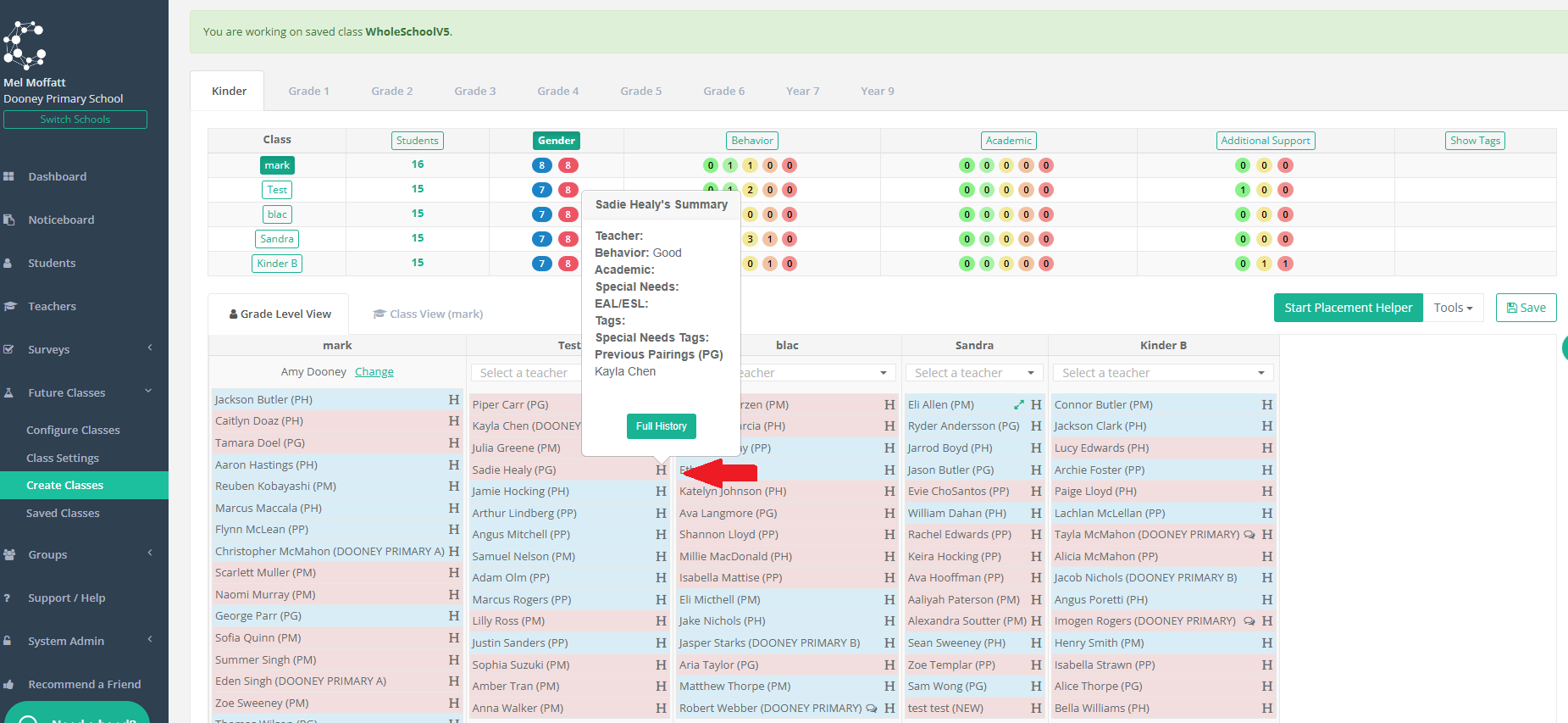
You can also view a student’s Full History, which will display all the student's data year-by-year:
Teacher
Behaviour
Academics
Special Education
Special Education Tags
ESL/EAL/ESOL
General Tags
Notes
Separations
Pairings
Preferences