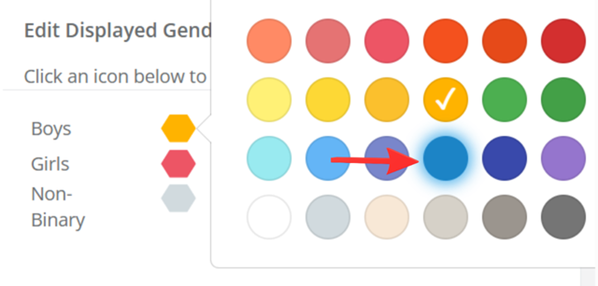

Admins now have the ability to customise gender colours within Class Creator.
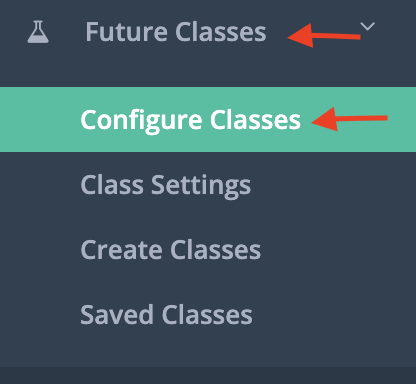
Navigate to this via 'Future Classes' > 'Configure Classes', where the gender colours are displayed. To confirm your selection, click 'Confirm & Save'.
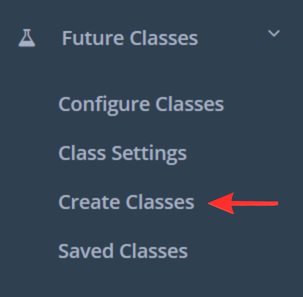
Click through the colors to customise how you like, and click through to 'Create Classes' and see your colors displayed in one view.
To change the colours back to the default colours, the default will be highlighted. Select the default colours, and click ‘Confirm & Save’ at the top right of the screen.