
If a teacher logs into Class Creator and they have no students in their survey it is likely because the teacher was not linked correctly to their class when they were imported.
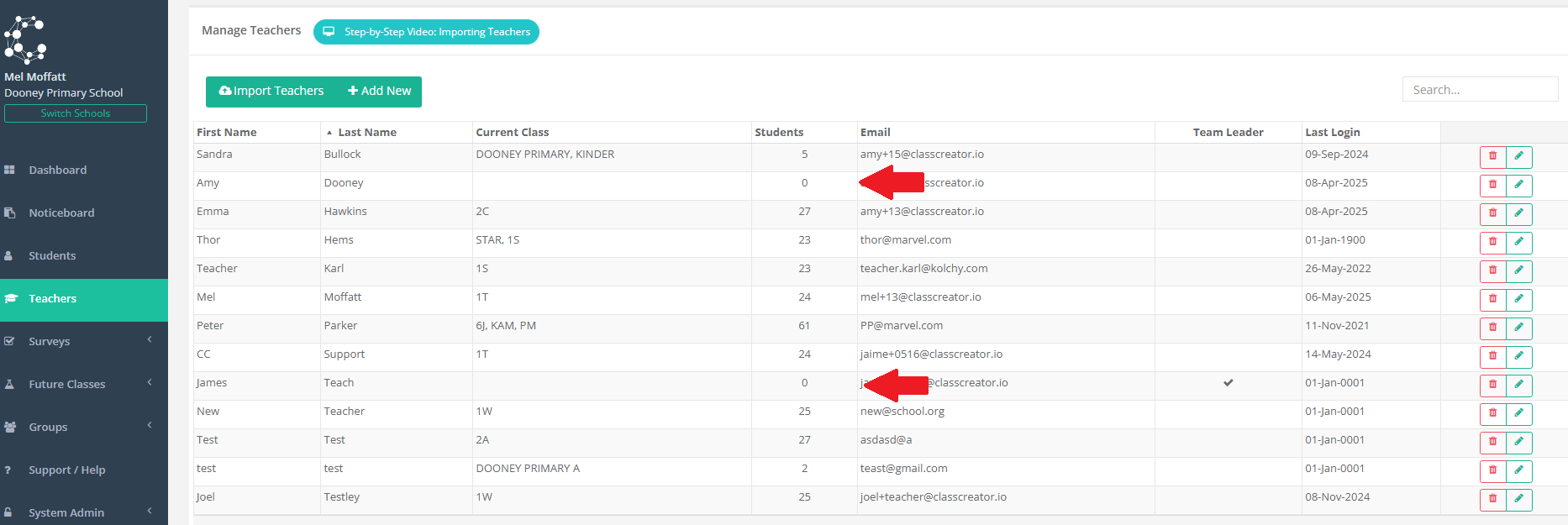
In the example below you can see the "0" under the Students column besides Amy Dooney and James Teach.
If this teachers log in to Class Creator their surveys would not contain any students.
How to fix this:
Navigate to the edit button on the far right of the teacher that has 0 students as per the graphic below for Amy Dooney:

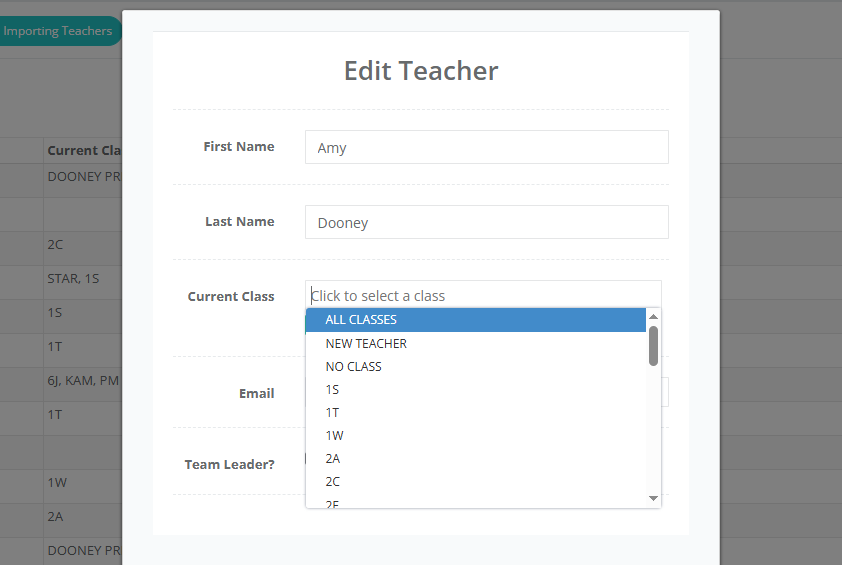
Change the Current Class of the teacher to match the students they are currently teaching.
Click on the Current Class box and select from the drop down menu which shows all available classes based on the students you have imported. If you have not imported current students, this list may not be populated or up to date. If the class they are currently teaching in not visible, you will need to update your students first. For more information - refer to Step 1 of the Workflow.
Click the 'SAVE TEACHER' button.
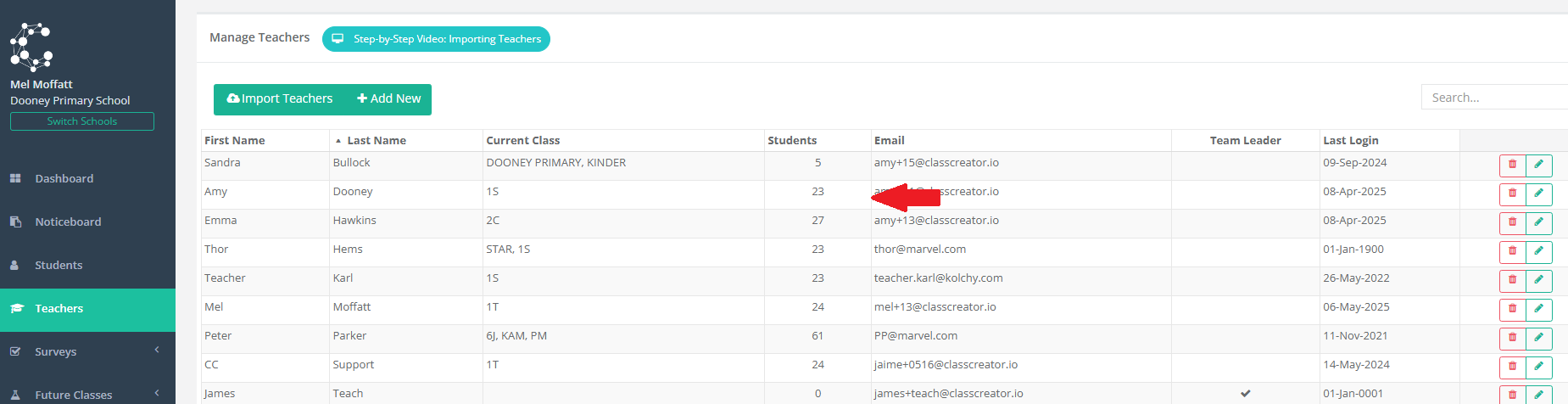
EG. Amy Dooney is now showing 23 student for class 1S: