

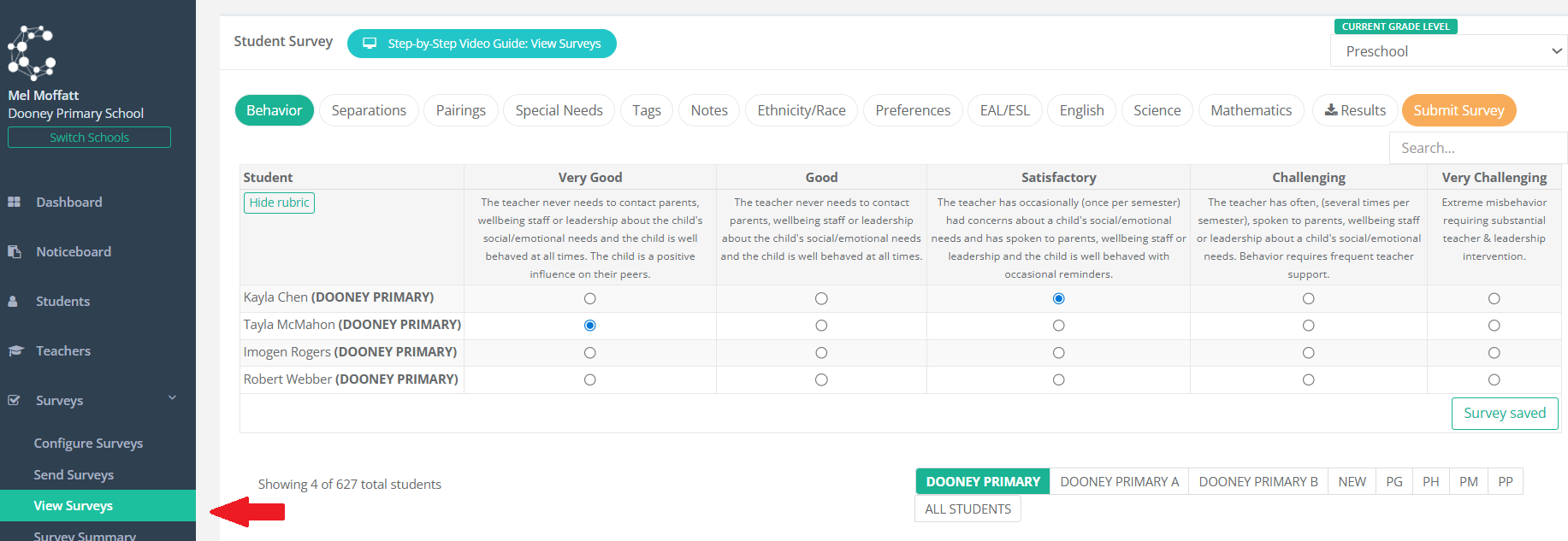
Class Creator uses the survey data entered by your teachers to create the best possible class allocations for your school. You can view this data by navigating to Surveys > View Surveys. Click across the tabs along the top menu to view the data entered by teachers for each survey.
If you would like to view this data from a more high level / graphical form, navigate to Surveys > Survey Reports:
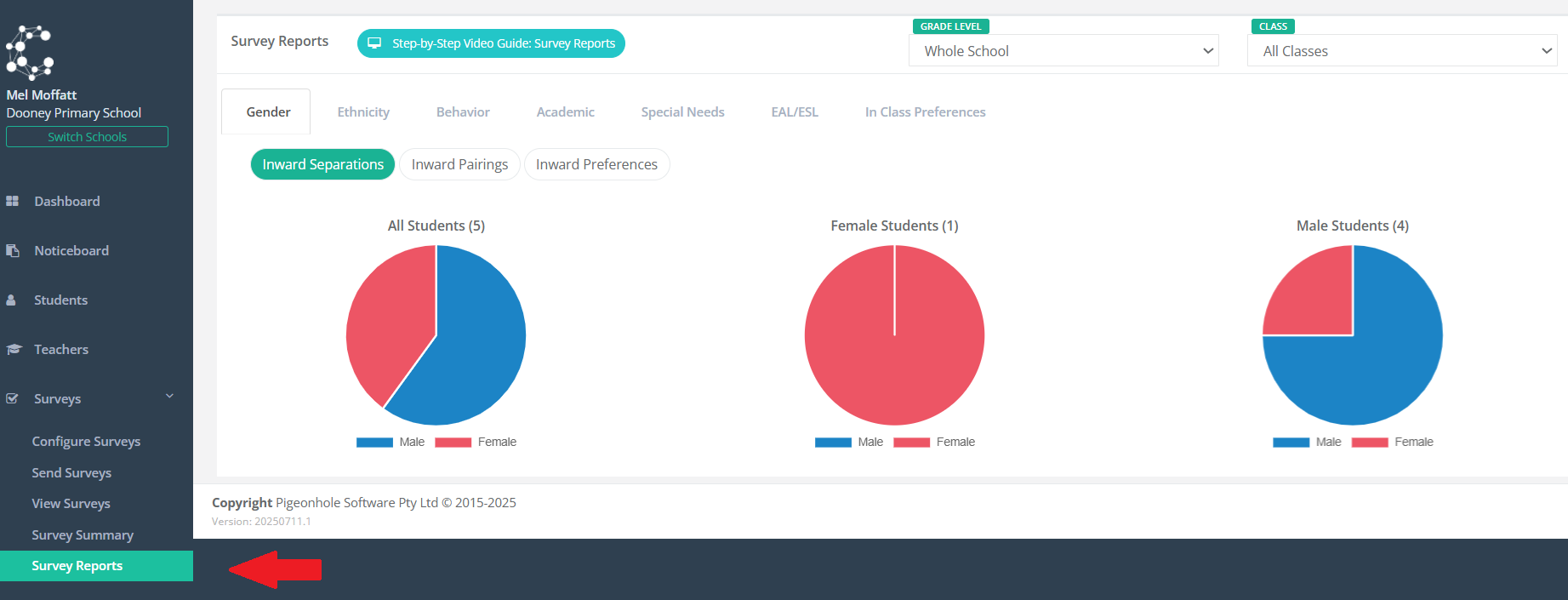
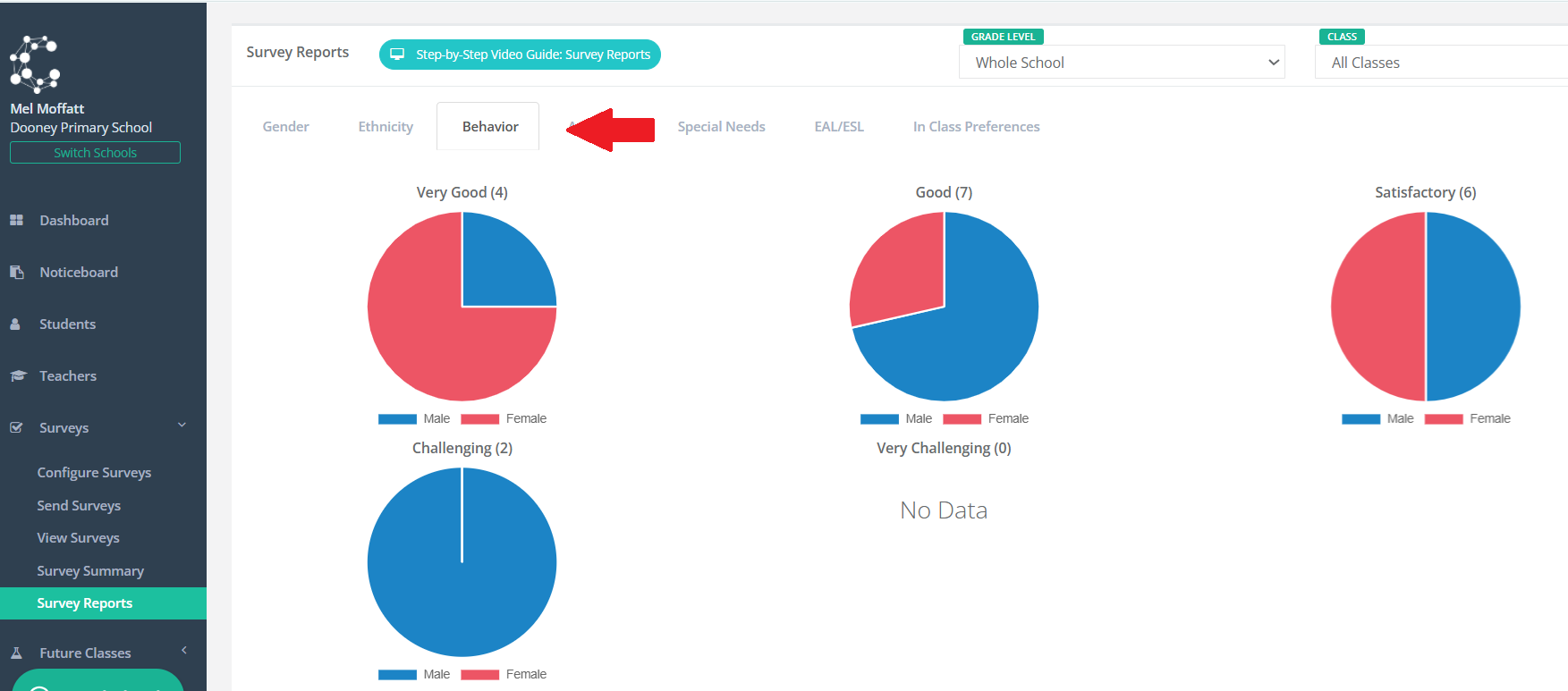
Administrators can review the different survey data results by clicking through the different tabs across the top of the page:
Note you can change the view of the reports by updating the Grade Level and Class here:
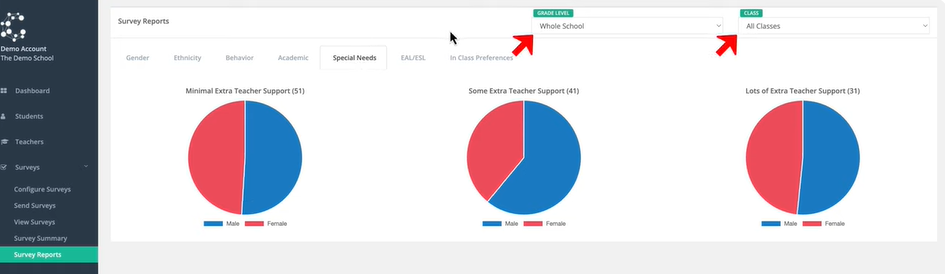
By drilling down into different grade levels and classes, it will enable administrators to gain a broader understanding of their grade levels and classes quickly and make decisions on resourcing or changes required to class allocations accordingly.