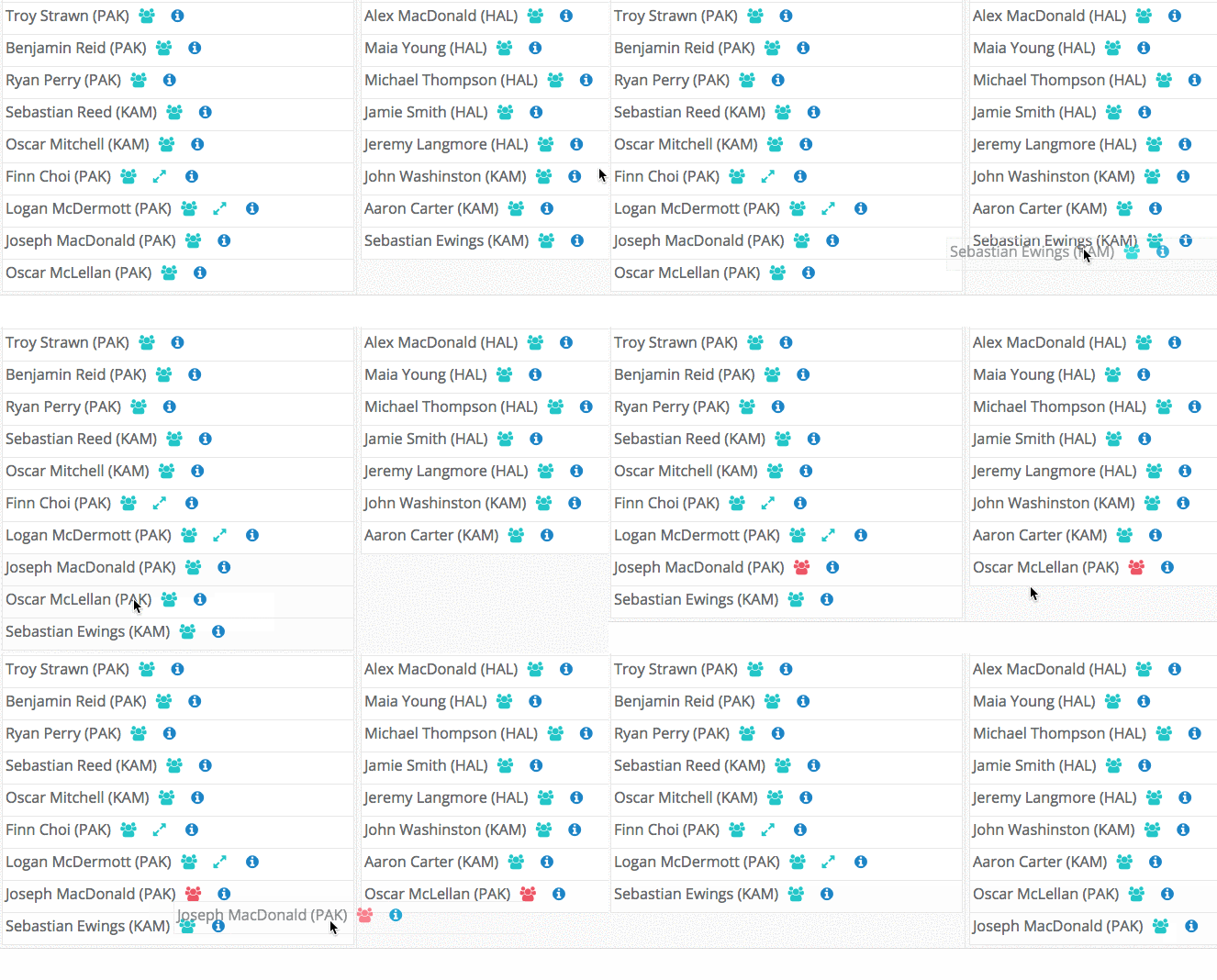

While on the Create classes screen identify the student you would like to move.
Place your mouse cursor on that students name, click and hold the button down.
Move the student to the class you wish to place them and release your mouse button.
The student will be placed at the bottom of the classlist of the new class.
Any alerts (Separations, Parings and Preferences) will occur if there are any issues and the Year Level Summary will update instantly.