
Please note, teachers do not have to be assigned before classes are created. However, in order for Student-Teacher Pairings/Separations be incorporated into the initial student placements teachers must be assigned to classes BEFORE creating classes. Refer to this article to learn how to manage student and teacher separations.
Assigning teachers to classes is very easy:
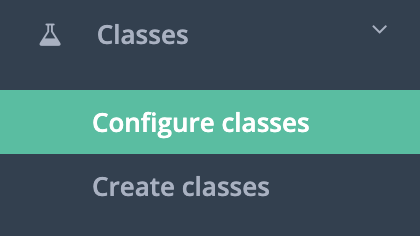
1. Click Classes -> Configure classes
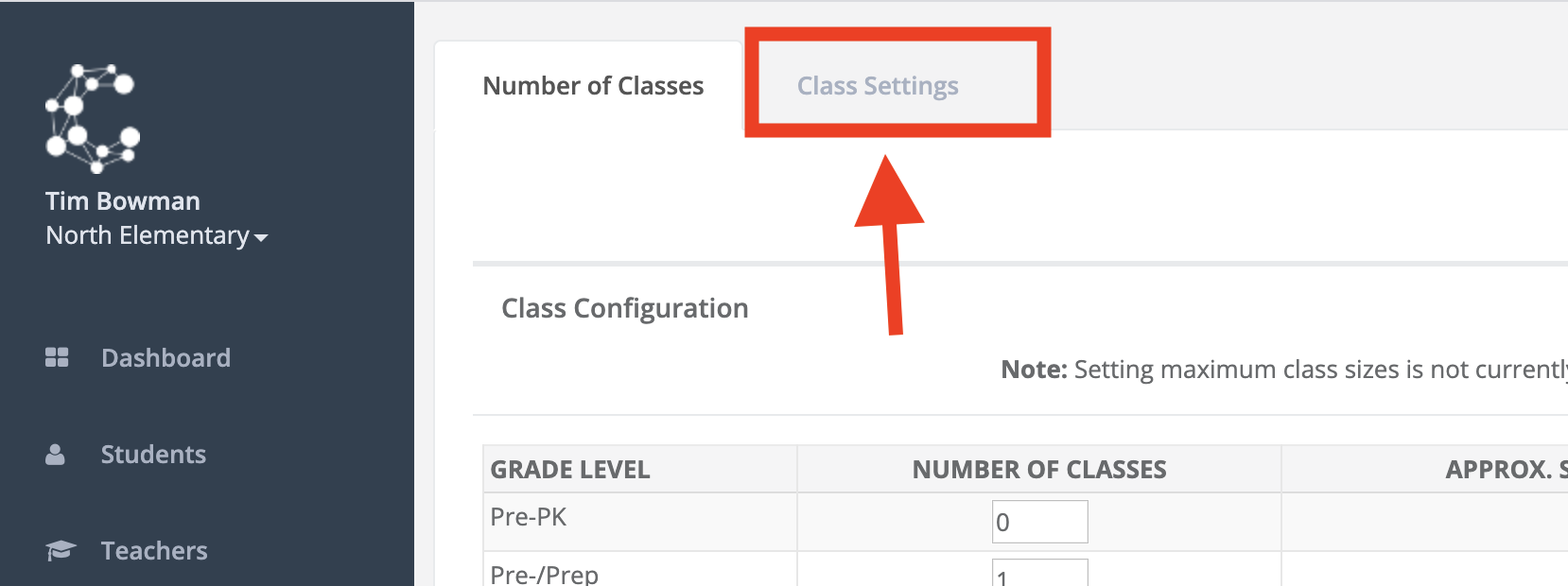
2. Click on the Class Settings tab.
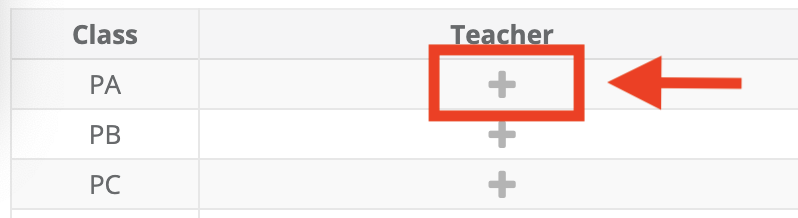
3. Click on the + symbol for the class you wish to assign a teacher to and add the teacher.