

Export is designed to be integrated with other student management systems.
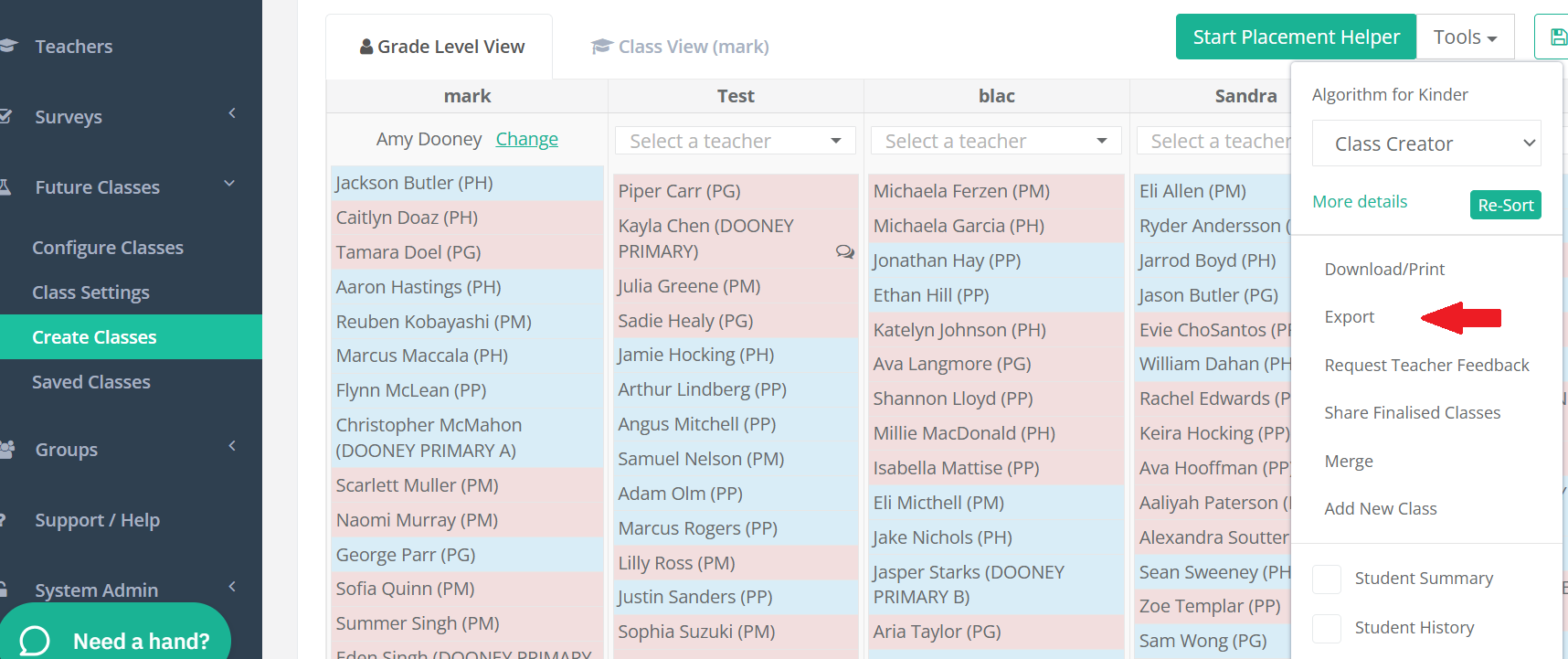
Grade/Year Levels are exported as a CSV file (Excel Spreadsheet).
The Export file is commonly used to store data, share classes or to add back into an SMS.
When you Export your new classes it includes:
Student ID
First Name
Last Name
Gender
New Year Level
New Class
Export student admin notes
Export student teacher notes
Export assigned teacher
Export student current year
Export student current class
Export student Behavior level
Export student Academic level
Export student ESL level
Export student 'Special Education' tags
Export student tags