

You have created your classes and you're really happy with them
Then a new student is enrolled at your school!
Not to worry you can easily add them to your saved class
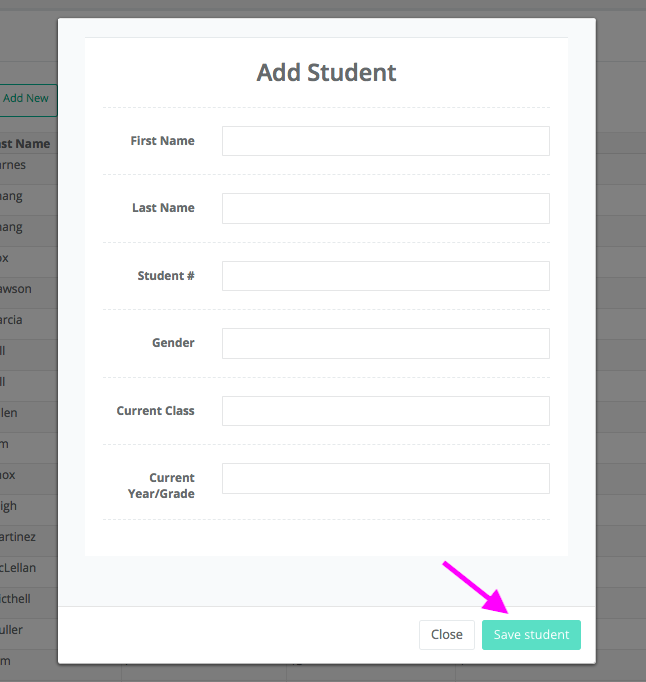
Simply enter the student's details on the Students page and click save the student.

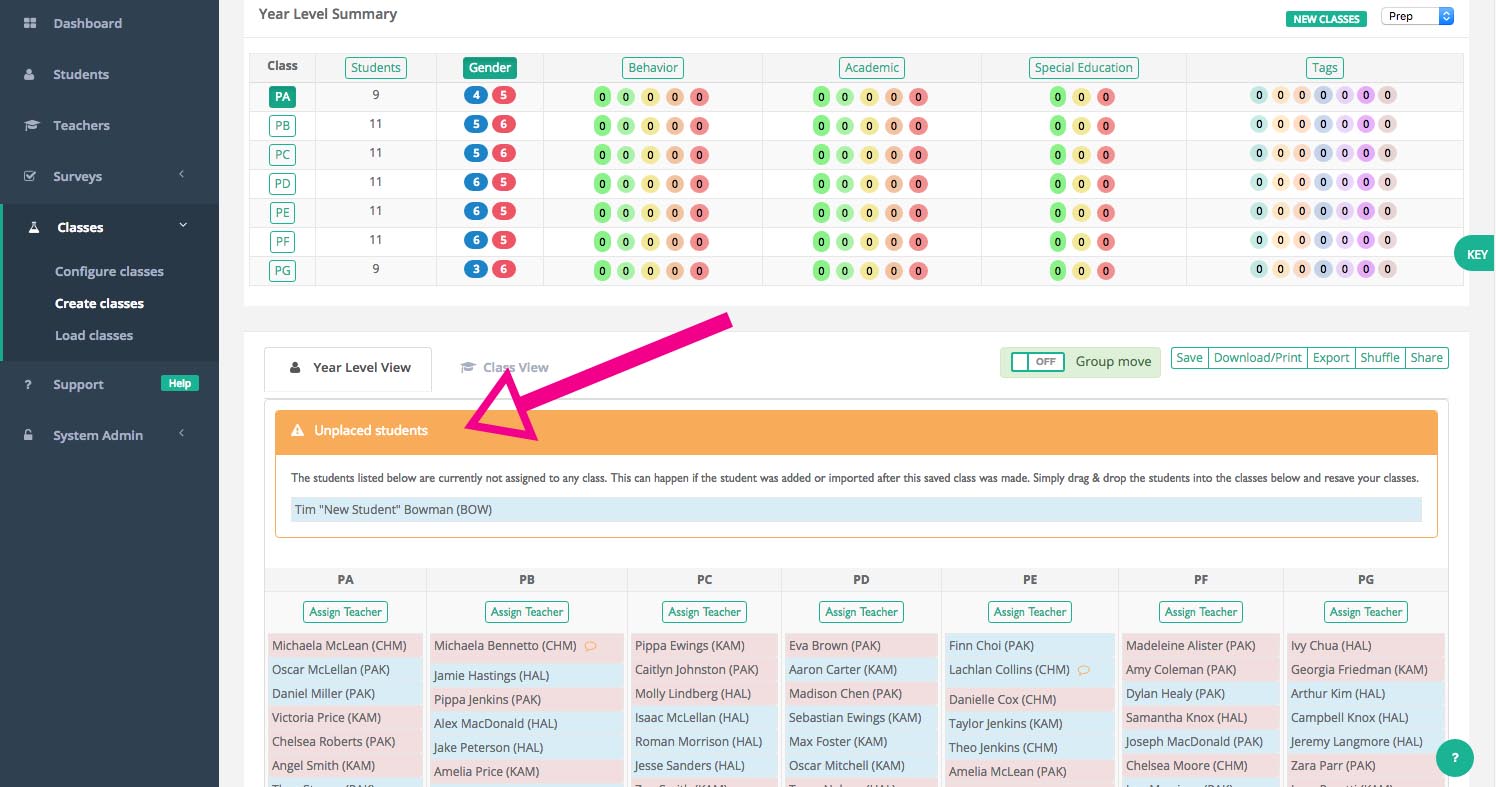
When you load your saved class the new student will appear in their new grade level in an Unplaced Students panel. Simply drag and drop them into their new class and save the new version.
You are now ready to reshare the updated class list/s with your teachers if required.
If you were looking for information on how to add a new student/individual to Class Creator - refer to this article.