

On this tab you can view the email that is sent to teachers inviting them to complete the surveys for their current students.
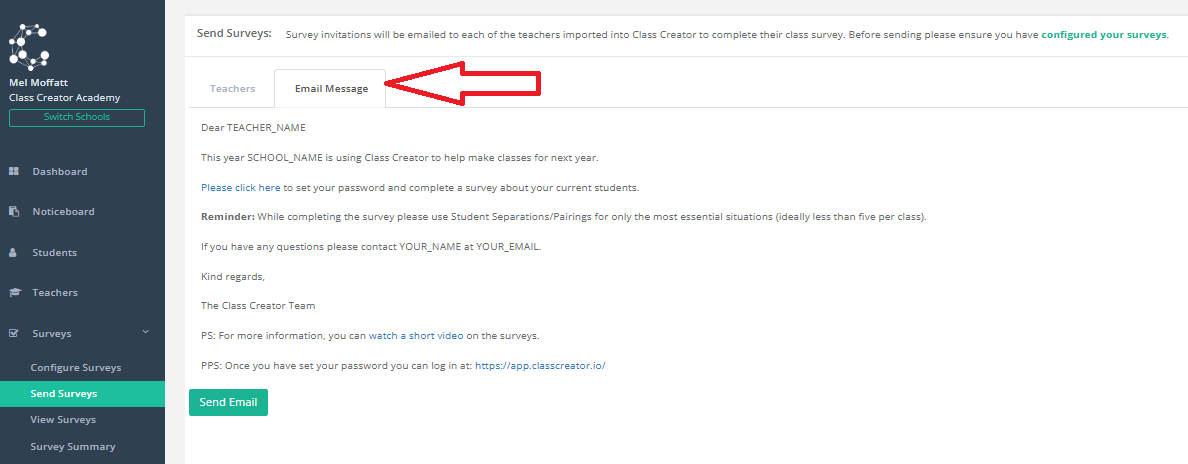
If you wish to send survey invitation emails from this page, you can do so, but please remember it will send to all teachers that are selected on the 'Send Surveys/Teachers' tab within this window. Simply click 'Send Email'
Note: You do not need to edit the words in CAPITALS, as these will be pulled from your system information.